Milltina
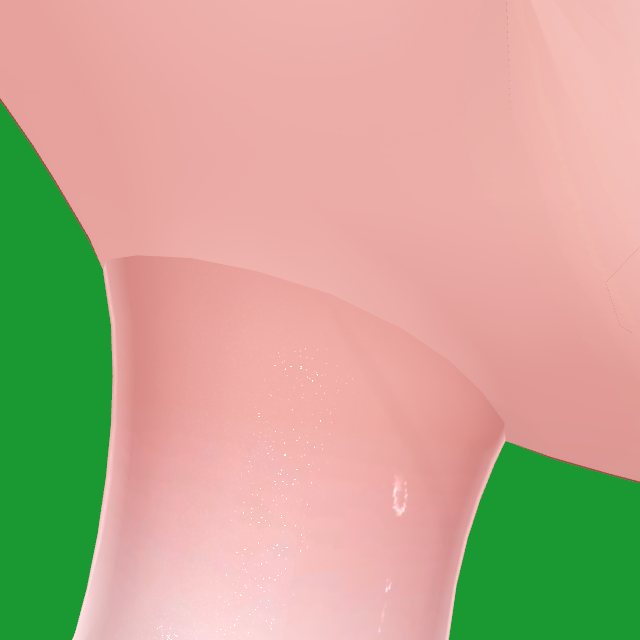
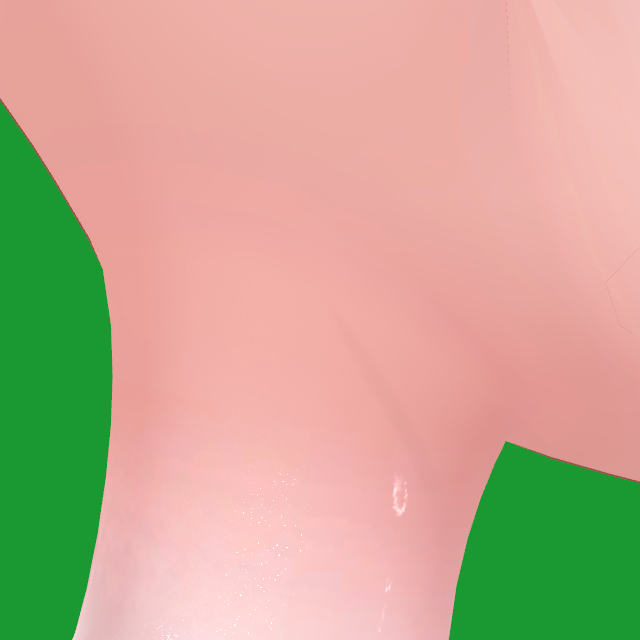 Before修正前
With CON(NECK)TCON(NECK)T 使用後
Before修正前
With CON(NECK)TCON(NECK)T 使用後
On avatars where the head and body are separate meshes, you can often see a line at the neck. CON(NECK)T evens out the color, the shading and small gaps where the head and body meet.
頭と体が別メッシュのアバターは、首に継ぎ目が出やすいです。 CON(NECK)T は首まわりの色・陰影・すき間をそろえて、継ぎ目を目立たなくします。
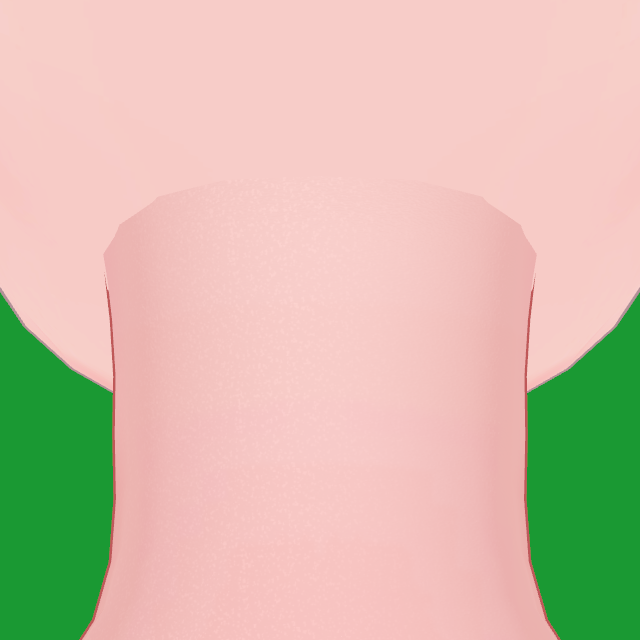
 Before修正前
With CON(NECK)TCON(NECK)T 使用後
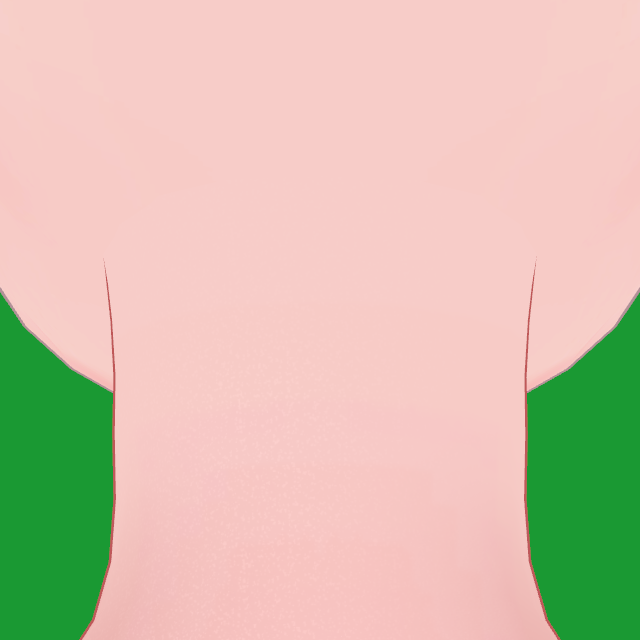
Before修正前
With CON(NECK)TCON(NECK)T 使用後
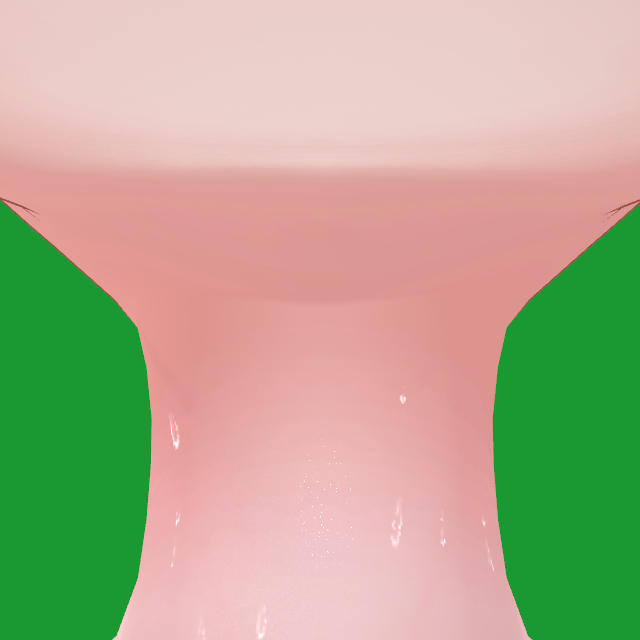
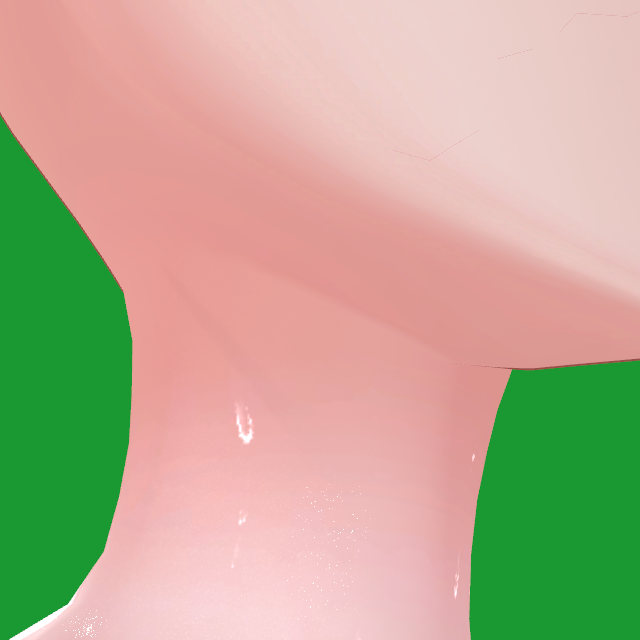
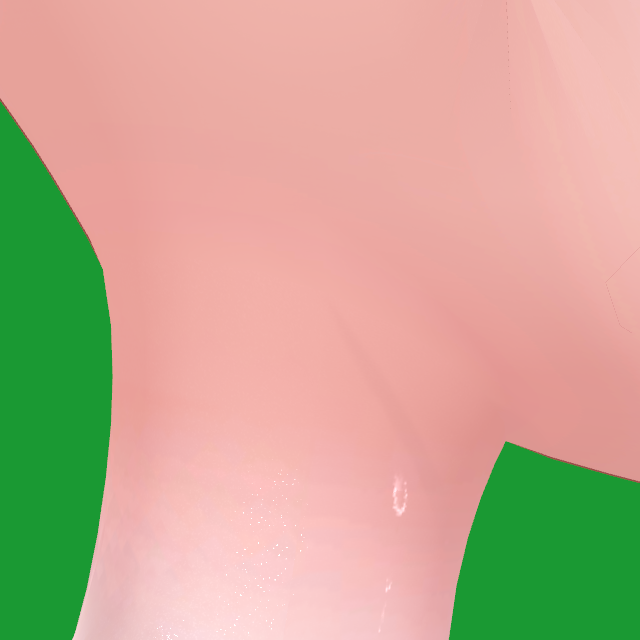
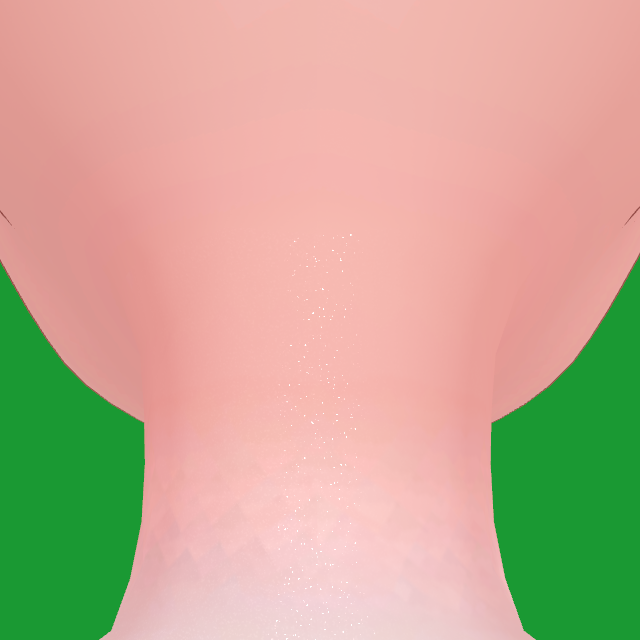
Wireframe: CON(NECK)T adds only a few vertices along the seam line and never subdivides. The outline stays. Test renders of the skin only; green is background. ワイヤーフレーム:追加される頂点は継ぎ目の線に沿った少しだけで、細分化はしません。輪郭もそのままです。 ※肌だけのテスト画像です(緑は背景)。
This is a beta. Please don't share or re-upload the package, and back up your project before testing. ベータ版です。パッケージの共有・再配布はしないでください。テスト前にプロジェクトのバックアップを取っておいてください。
Shadow, color and effects are matched near the neck and fade out at the shoulders. In tests, the chest changed by less than 0.5 of 255 brightness levels. 影・色・効果は首の近くだけでそろえ、肩の手前で消えます。 テストでの胸の明るさの変化は、255 段階中 0.5 未満でした。
The fix goes onto copies when you enter Play mode or upload. Untick the component and your avatar is back to the original. 修正はプレイモードとアップロードのときに、コピーにかかるだけです。 コンポーネントのチェックを外せば元どおりです。
Texture copies made near the neck keep the original's size and compression. If lilToon has a free color layer, the skin color goes there and the main texture stays the original. 首まわりで作るテクスチャのコピーは、元と同じ解像度・圧縮です。 lilToon のカラーレイヤーが空いていれば肌の色はそちらで合わせるので、メインテクスチャは元のままです。
Exception: lilToon can only switch Cast shadows per material. ★ Fix automatically turns it on only when the face gets shadows from hair and clothes and the body doesn't. You can turn it off under Shadow and surface. ※例外:lilToon の落ち影はマテリアル単位でしか切り替えられません。 ★ おまかせで修正 がオンにするのは、顔だけが髪や服の影を受けて体が受けない場合だけです。影・表面 の下でオフにできます。
Before修正前
With CON(NECK)TCON(NECK)T 使用後
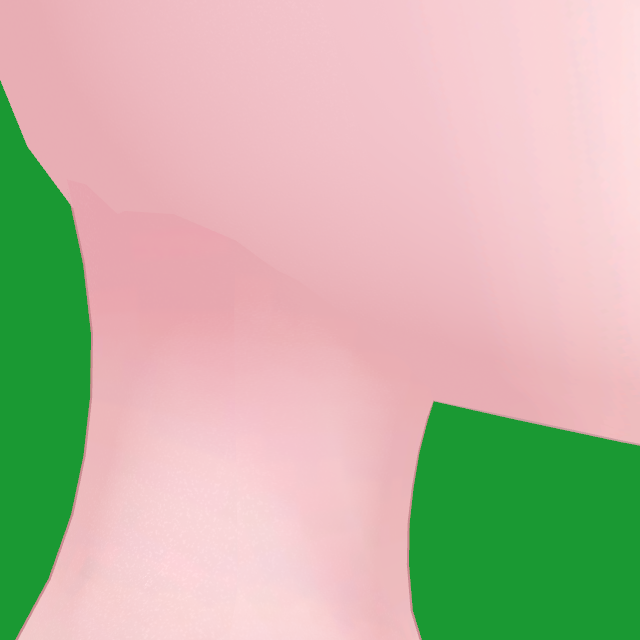
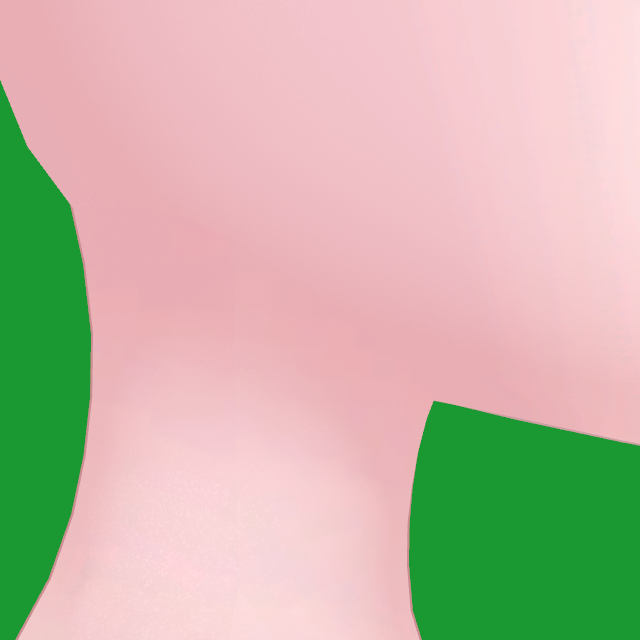 Before修正前
With CON(NECK)TCON(NECK)T 使用後
Before修正前
With CON(NECK)TCON(NECK)T 使用後
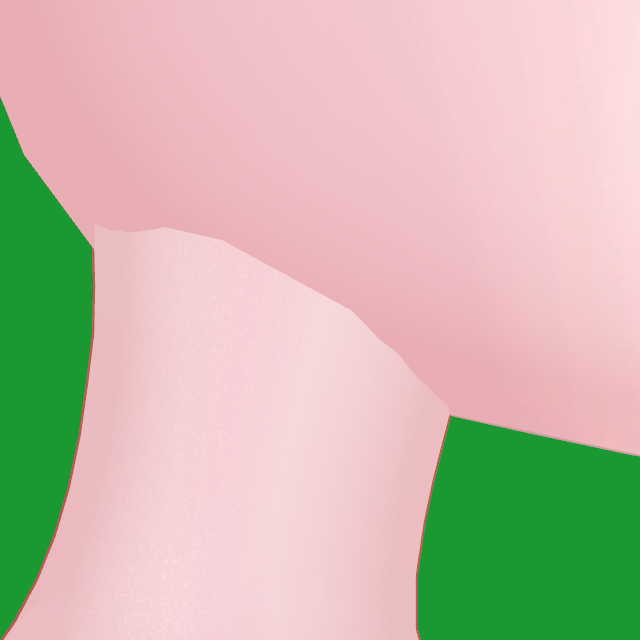
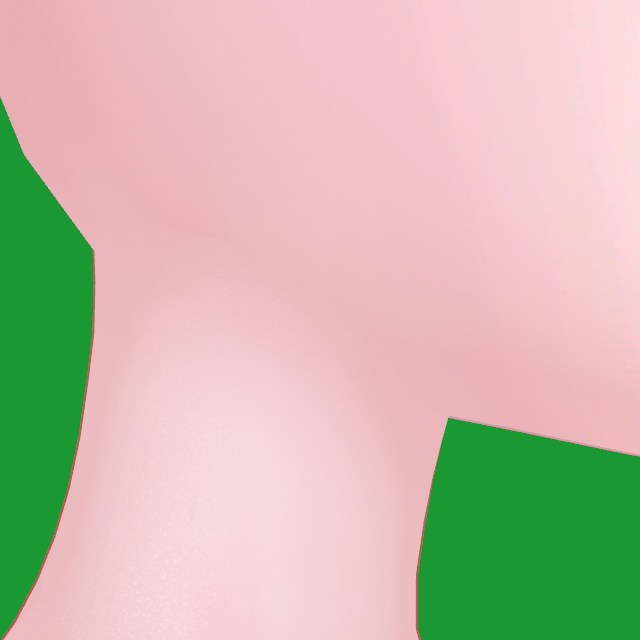 Before修正前
With CON(NECK)TCON(NECK)T 使用後
Before修正前
With CON(NECK)TCON(NECK)T 使用後
It brings NDMF, which CON(NECK)T needs. CON(NECK)T に必要な NDMF も一緒に入ります。
Import the .unitypackage you got by DM: Assets → Import Package → Custom Package…
DM で届いた .unitypackage を、Assets → Import Package → Custom Package… からインポートします。
To update, import the new package over the old one. Files go into Assets/NeckSeamFixer.
アップデートは、新しいパッケージを上からインポートするだけです。ファイルは Assets/NeckSeamFixer に入ります。
In the Hierarchy, right-click your avatar → CON(NECK)T → Add CON(NECK)T Neck. A CON(NECK)T Neck object is added inside it. ヒエラルキーでアバターを右クリック → CON(NECK)T → Add CON(NECK)T Neck。 アバターの中に CON(NECK)T Neck が追加されます。
Select CON(NECK)T Neck and press ★ Fix automatically in the Inspector. It already ran once when you added it; press it again after updating the tool. CON(NECK)T Neck を選んで、インスペクターの ★ おまかせで修正 を押します。 追加した時点で一度実行済みです。ツールをアップデートしたら、もう一度押してください。
The EN / 日本語 switch at the top right of the inspector changes its language. インスペクター右上の EN / 日本語 で表示を切り替えられます。
Switch Preview On / Off to compare. プレビュー の オン / オフ で見比べます。
In Play mode (or Gesture Manager), rotate the Head bone a little. No crack or step should show at the neck. プレイモード(または Gesture Manager)で Head ボーンを少し回して、首に割れ目や段差が出ないか見ます。
Turn the Directional Light to shine from above, the side and behind. Directional Light を回して、上・横・後ろから当ててみてください。
Stop Play mode, untick the component's checkbox, and enter Play mode again. プレイモードを止めて、コンポーネントのチェックを外し、もう一度プレイモードに入ります。
Turning the object off doesn't stop the fix; untick the component. ※オブジェクトを非アクティブにしても修正は止まりません。コンポーネントのチェックを外してください。
Front, quarter, side, back, and from below the chin. 正面・斜め・横・後ろ、あごの下からも見てください。